Do you ever wonder what to buy the parent or grandparent who seems to have everything already? Instead of yet another cozy throw or pair of fuzzy slippers, consider a tech gadget that might make their day-to-day lives easier. This guide showcases our top tech gifts for the seniors in your life.
At Branchlands, many of our residents use cutting-edge technology every day. People often think seniors steer away from tech, but nothing could be further from the truth. Statistics show that 9 out of 10 seniors use smartphones and social media, and 8 out of 10 stream video on a weekly basis. Nearby senior organization The Center offers IT presentations and one-on-one assistance twice a week for those looking for additional technical help with their device.
Bluetooth Tracking Tags
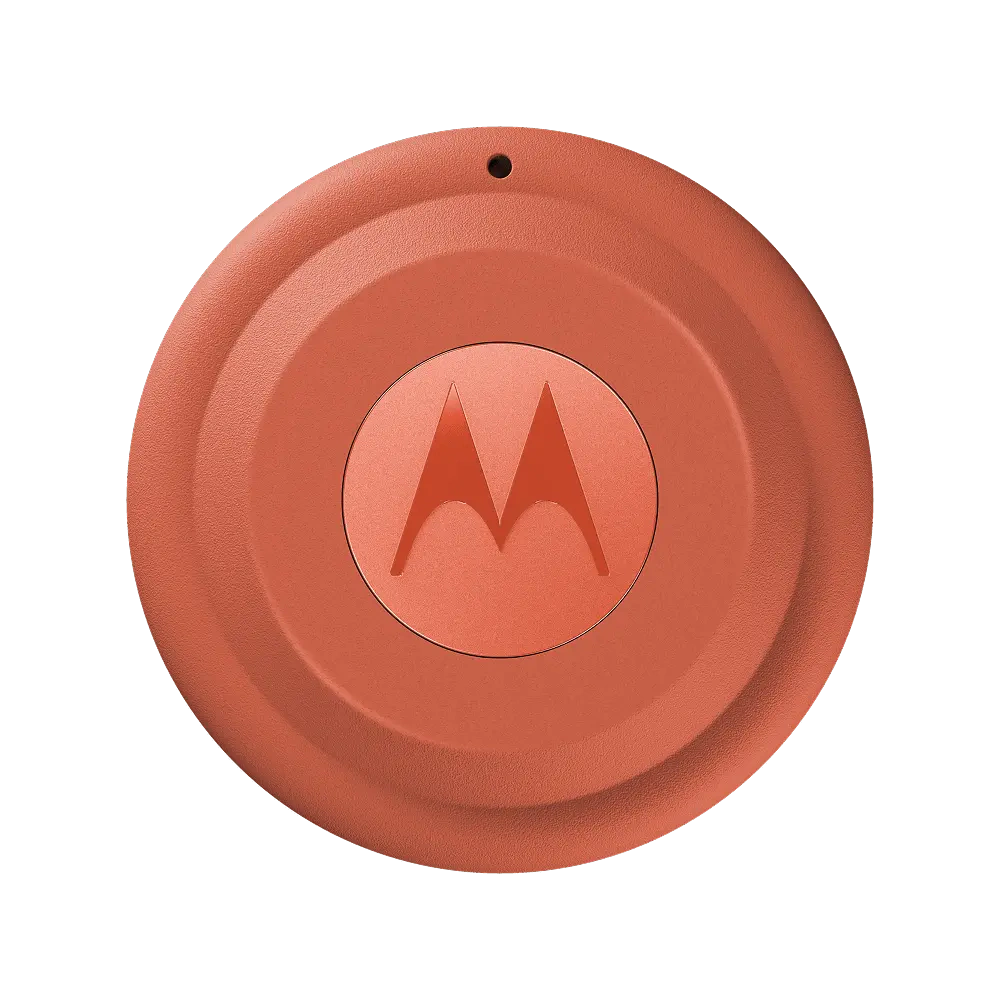
For a useful gift that won’t break the bank, look no further than a GPS tracking tag. They’re especially made for people who sometimes lose their keys, can’t find their purse, or want to track their suitcase on a trip. The good news: most of these tags cost less than $30 and don’t require a subscription. Whether your gift recipient has an iPhone or Android, you’ll find a tag in the list below that’s compatible with their phone.
Digital Photo Frames

The average person doesn’t print photos these days, because we have all our photos on our phones. Besides, why give grandma one framed photo when you can send her a new photo every day? With a digital photo frame, you can easily send photos from your phone, and the frame will rotate through its images throughout the day. They’re a convenient way for family to stay up to date on all the activities in your child’s life. Most frames connect via wi-fi, are iPhone- and Android-compatible, and have unlimited cloud storage. To make opening it on Christmas Day that much more special, preload the frames before giving the gift to your loved one.
Aura Carver 10-Inch Digital Photo Frame
Aura Aspen 12-inch Digital Photo Frame
PhotoSpring View Battery Powered 10in Digital Picture Frame
E-readers and Tablets
Tablets and e-readers serve different purposes. A tablet can do far more, such as offering access to apps, video content, email, and a camera. E-readers are instead designed for long-duration reading by mimicking the pages in a real book with a glare-free screen. For loved ones who prefer to read books on their device, the e-reader is generally the simpler and more economical way to go. If they want to search the web, watch movies, and look at photos of their family and friends, you may want to get them the tablet.
E-readers
An e-reader is an excellent gift choice for seniors who are voracious readers. They are lightweight, easier on the eyes than a tablet screen, and some offer added features such as color and note-taking capabilities. eBooks are easily accessible via the e-reader’s online store or can be checked out from your local library.

Tablets
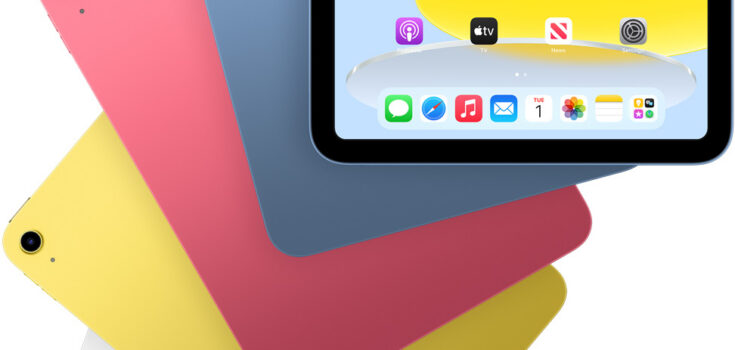
While reviewers list Apple as the best tablet for most people, there are also options in case your loved one is a die-hard Android user or you need a more economical option, like the Amazon Fire. The Apple iPad has a great operating system, excellent processing power, an easy-to-use interface, and frequent updates. However, there is also a tablet that’s created just with seniors in mind, called GrandPad. This tablet doesn’t require passwords or Wi-Fi because it runs on its own private network, which makes it more secure.
Health Monitoring Devices
Medical Alert Systems
Keeping your family member safe gives you peace of mind when you’re away. At Linden House Assisted Living at Branchlands, we provide each resident with an alert monitor. But if your family member does not have one, a medical alert system could be the perfect gift. The National Council on Aging (NCOA) did the research and came up with the following list of recommended medical alert systems for seniors.
Medical Guardian – Best Overall
Bay Alarm Medical – Most Popular
MobileHelp – Best Value
Medical Alert – Most User-Friendly
LifeStation – Best Health Insurance Discounts
Aloe Care Health – Best for Caregivers
Lifeline – Most Industry Experience
Medical Care Alert – Fastest Response Time
Smart Watches
Some of the medical alert systems mentioned above offer watches. If you do not want to subscribe to one of those services, smartwatches often offer similar features. These watches can offer fall alerts, heart-rate monitoring, and more, such as Apple’s new health-sensing system. And, as an added bonus, your loved one can use a voice command to call you from anywhere, even if their phone is in another room.

Smart Home Technology
Smart lightbulbs and plugs
These days, an app can run almost anything in your home, including lights, the temperature, and appliances like a TV. If your senior would enjoy controlling their home from an app, check out the following gift ideas.
Smart Lightbulbs
GE Cync Dynamic Effects Smart Bulb

Smart Plugs
Lutron Caseta Smart Plug-in Lamp Dimmer (Smart Hub Required) for LED Bulbs
Emporia Energy Monitoring Smart Plug
Smart Speakers
Smart speakers work by voice command, making them handy and often simpler to manage. A user can ask for the weather, set reminders, play music, turn lights on or off, hear the news, or call a family member without needing their phone. Some voice hubs take it a step further, offering control over more complicated tasks like locking doors or setting an alarm at a certain time.
Amazon Echo Studio: Alexa voice assistant

Smart Televisions
When shopping for a smart TV for your senior, there are a few things to keep in mind. Make sure the remote controls are legible and easy to use, the audio quality for dialogue is clear, and the picture is bright. A lot of remotes for smart televisions can be complicated, so having a voice command option may be important. Every senior is different, so you will want to make sure the TV matches their accessibility needs. The Roku TV is extremely easy to use and can be set up to bypass the smart menu. TCL televisions have a much brighter screen while also boasting a simple interface and voice control. Sony Bravia has features that make local news channels crisper and utilize AI to enhance voices, but those features increase the price.
Roku Pro Series 4K OLED TV (55”)
TCL QM7L Series SQD-Mini LED 4K UHD HDR Smart TV with Google TV (55″)
Sony BRAVIA 3 II 4K HDR LED Google TV (55”)
Video doorbells
Setting up a video doorbell for the senior in your life not only helps make them feel more secure, it can be convenient, too. With a smart doorbell, they don’t need to get up if they don’t feel like answering. Simply speaking into the app on their phone lets them talk to the person at their doorstep, or they can use the app to keep an eye on their package. Personal preference matters when choosing a doorbell: wired or battery-operated, subscription or no subscription, and local versus cloud video storage, to name a few. These companies offer outdoor camera packages as well to further enhance a senior’s security.

Google Nest Doorbells – wired or battery options available
TP-Link Tapo D130 Wired Video Doorbell
While a lot of these items are designed for safety and convenience, there are also some tech gifts that are just plain fun, like this bird feeder with a camera! Your loved one can check on the birds from the comfort of their favorite chair while using their new tablet. A wonderful part of a tech gift is that you can spend quality time with your parents or grandparents; setting it up for them and showing them how to use it can be part of the gift experience, too.
Branchlands residents may not need all of these tech gifts for seniors (as mentioned, Linden House has its own medical alert system), but most are still thoughtful options. At one of our many social gatherings, residents can have fun showing off that new digital frame they got from their grandkids or that watch that monitors their heart rate. If you’d like to visit Branchlands and check out one of our social hours or other activities, then contact us to schedule a tour today.
